NAV Metadata v2.0 — Convert Dynamics NAV Metadata into Business Central AL
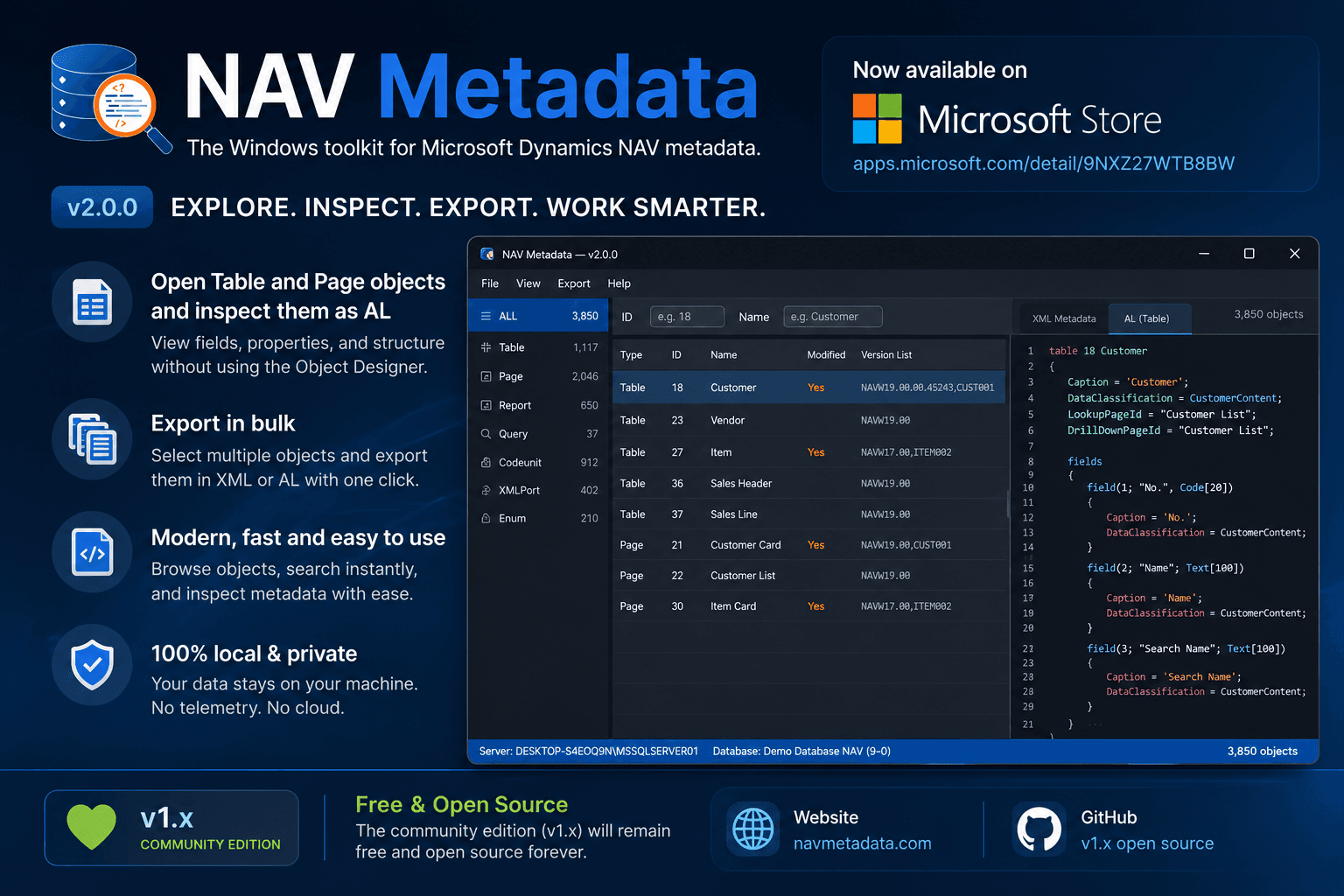
NAV Metadata v2.0 introduces a Metadata → AL conversion engine that reconstructs Business Central AL source from Dynamics NAV SQL metadata — plus an all-objects view and multi-object export.
When I released NAV Metadata v1.0, the goal was simple:
Make Microsoft Dynamics NAV metadata accessible.
Instead of opening the classic Development Environment or writing SQL scripts, you could connect directly to a NAV SQL database, browse application objects, inspect metadata, and export XML files.
That solved one problem.
But while building the application, I kept asking myself another question.
What if metadata wasn't just something we could read?
What if it could become source code again?
That idea became NAV Metadata v2.0.
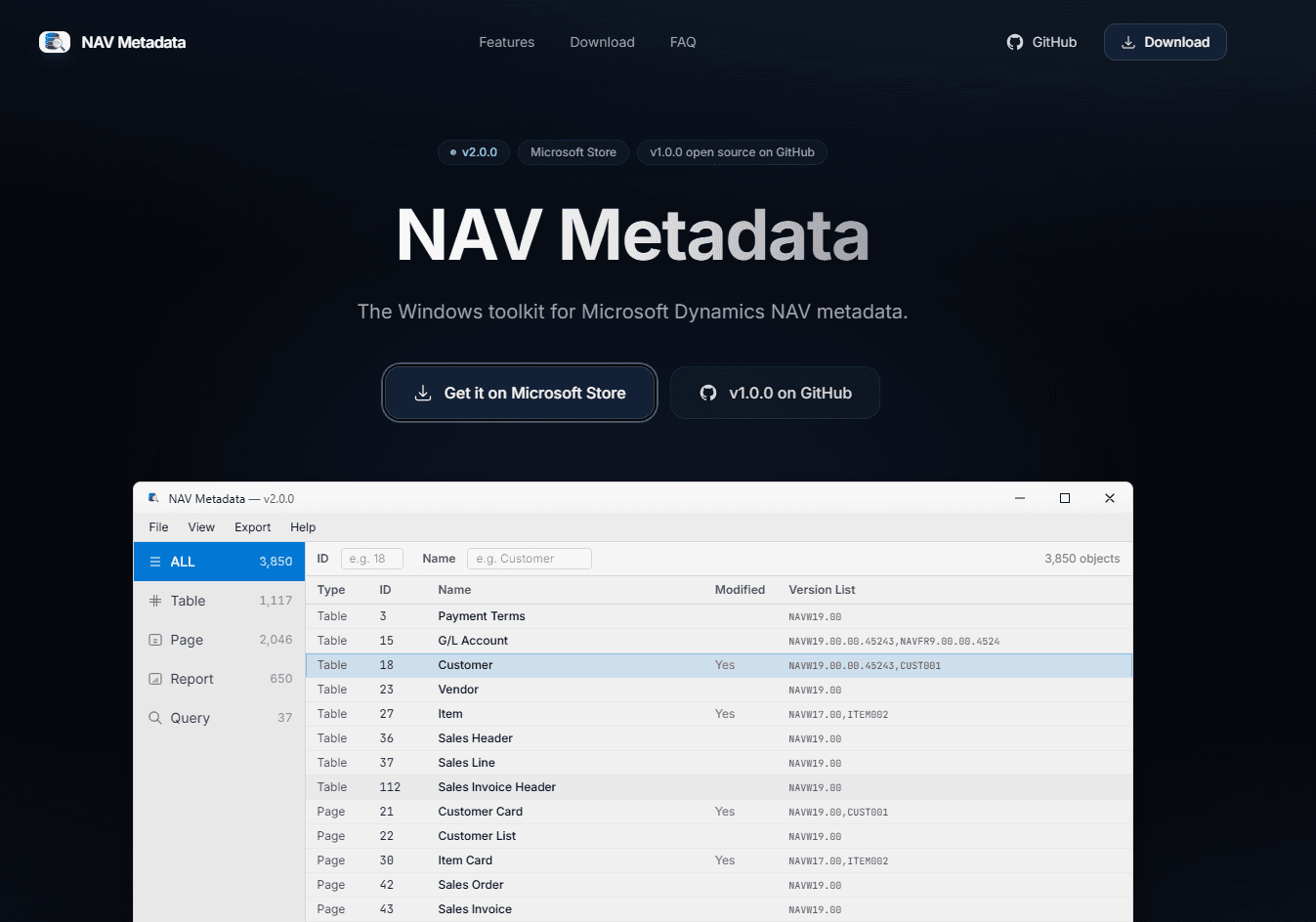
The official site at navmetadata.com — Microsoft Store build and open-source Community Edition in one place.
Get the app
v2.0 is available as a Windows app on the Microsoft Store, and the earlier Community Edition remains open source on GitHub.
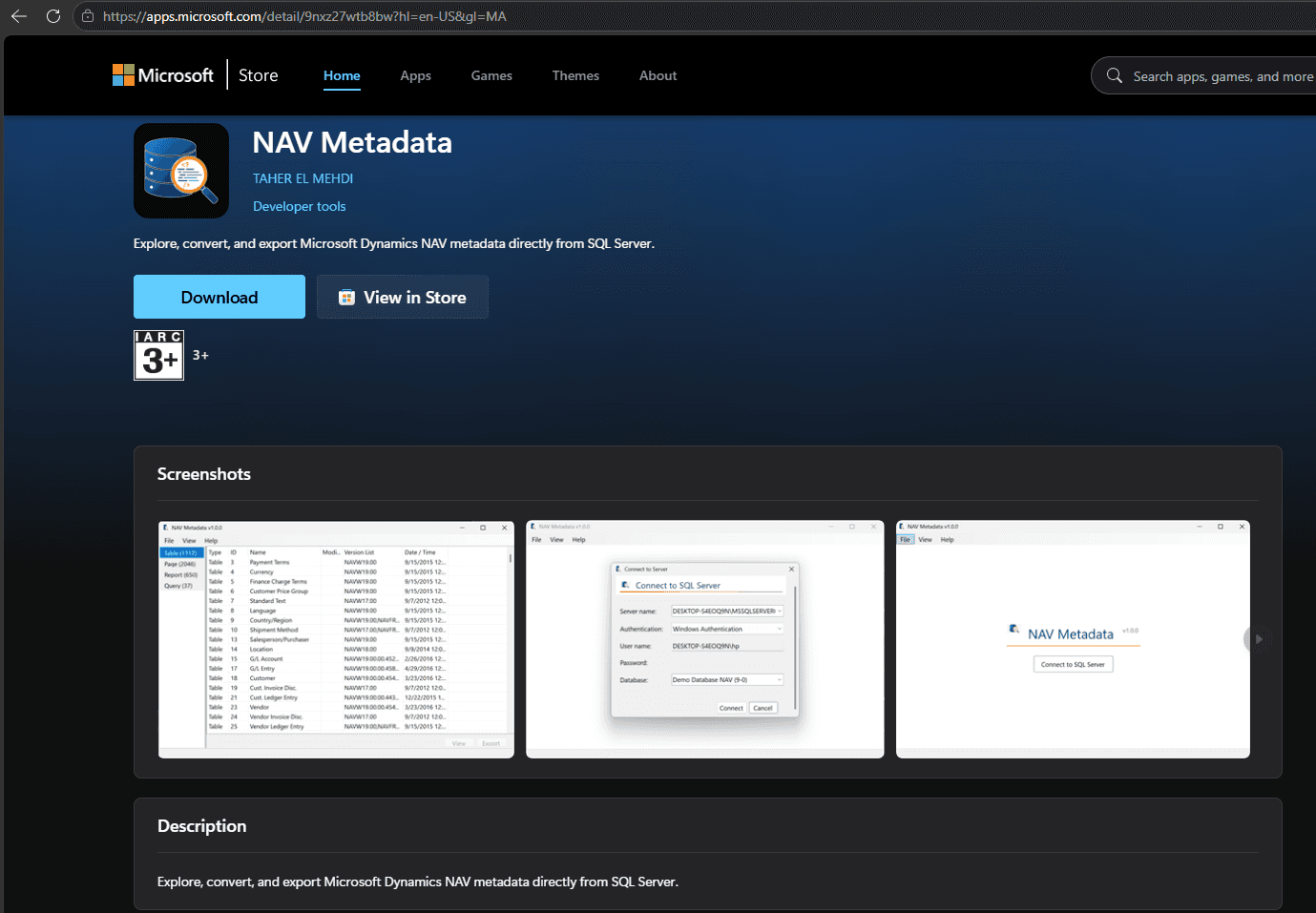
Install from the Microsoft Store — explore, convert, and export NAV metadata directly from SQL Server.
Connect to your NAV database
After launch, you land on a simple start screen. There is one clear action: connect to the SQL Server that hosts your NAV database.
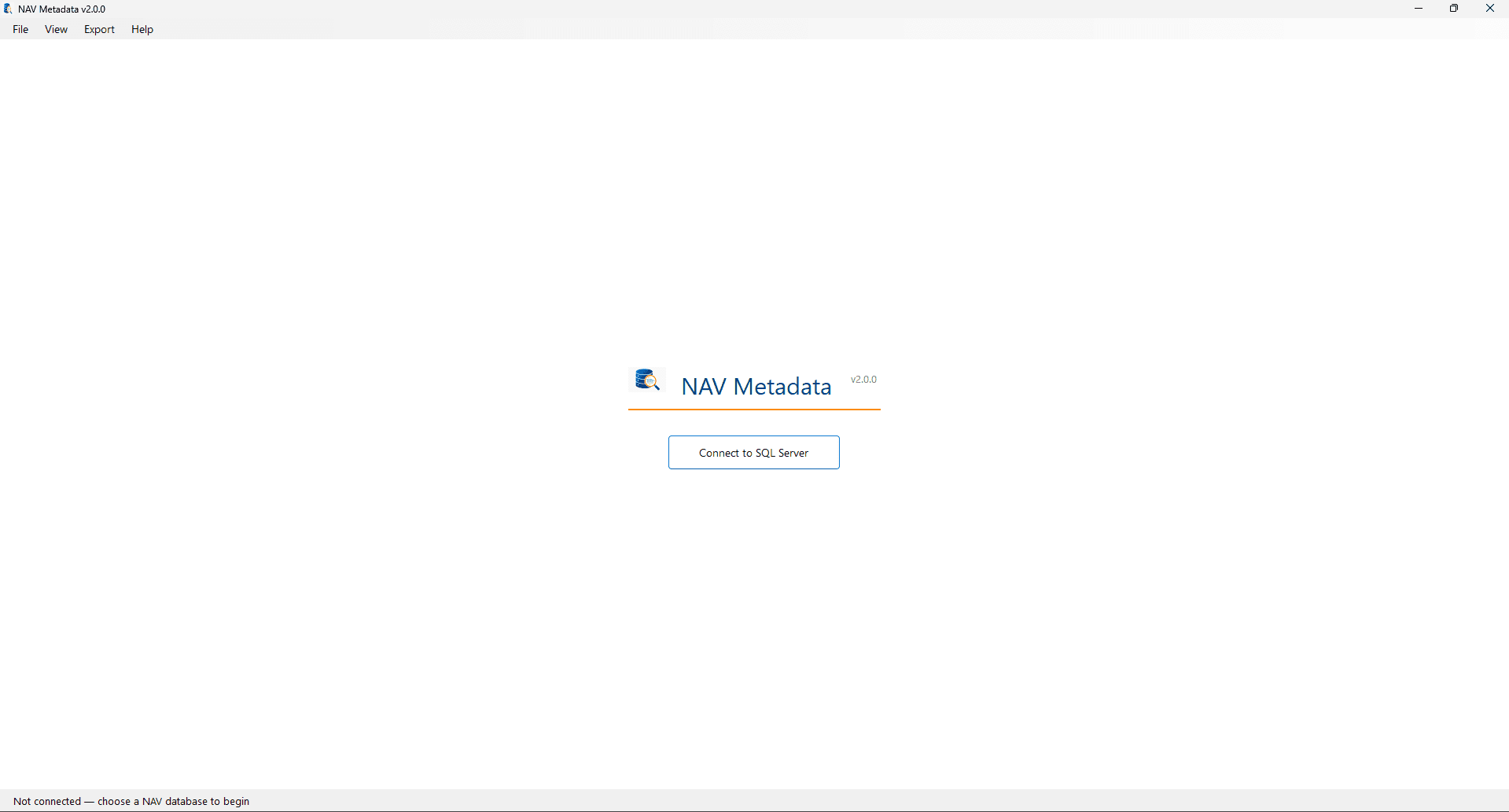
Home screen in v2.0.0 — connect when you are ready; nothing runs until you choose a database.
The connection dialog supports Windows Authentication and SQL Server Authentication. Pick the server instance, authenticate, then select the NAV database (for example a demo database or a customer environment you are analyzing).
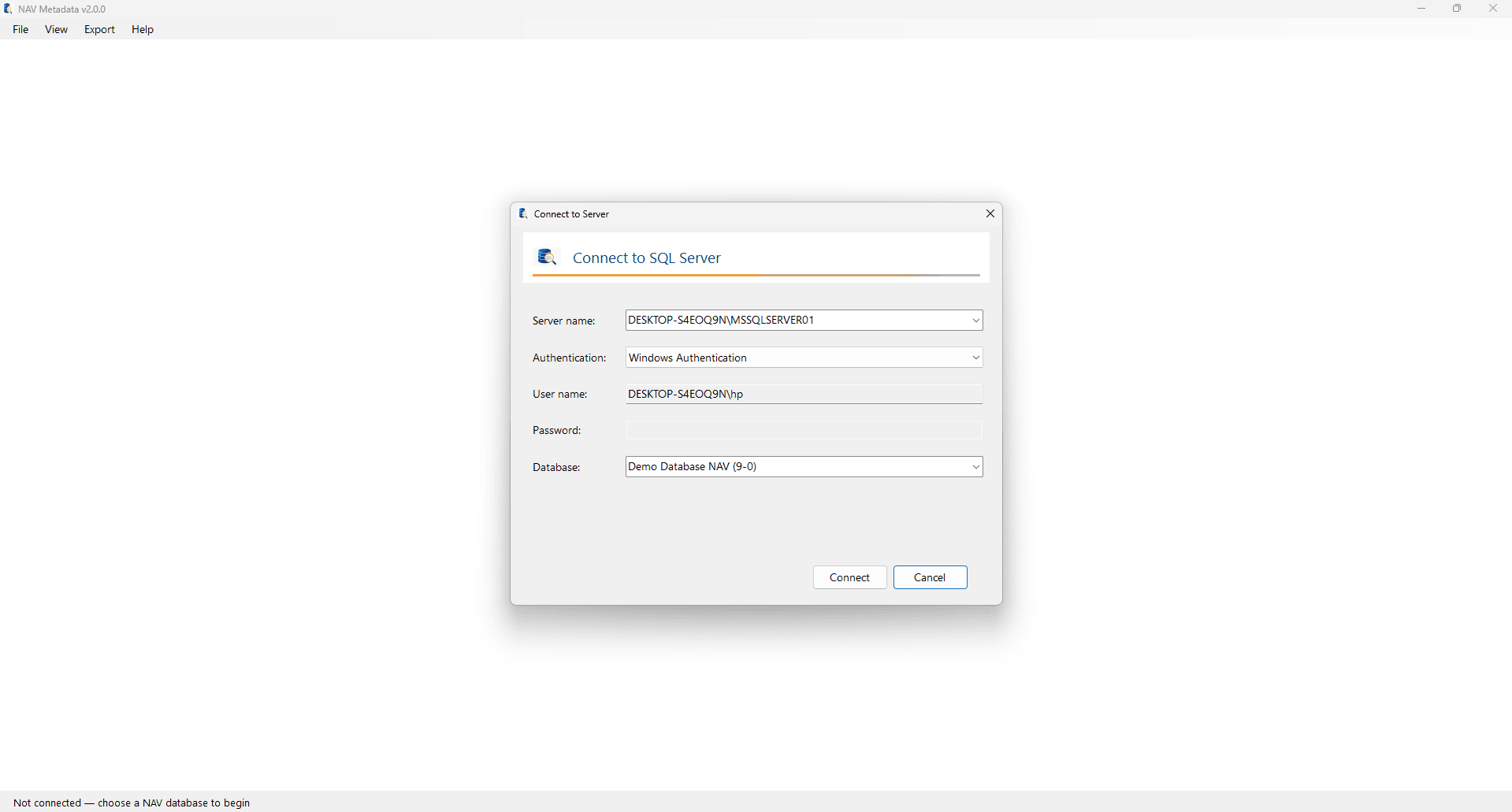
Connect with Windows or SQL auth, then choose the NAV database from the dropdown.
Browse every object in one place
Once connected, NAV Metadata loads application objects from SQL and presents them in a unified browser.
The left sidebar groups objects by type — ALL, Table, Page, Report, and Query — with live counts. In the demo below, that is 3,850 objects in a single list: tables, pages, reports, and queries without switching tools or object designers.
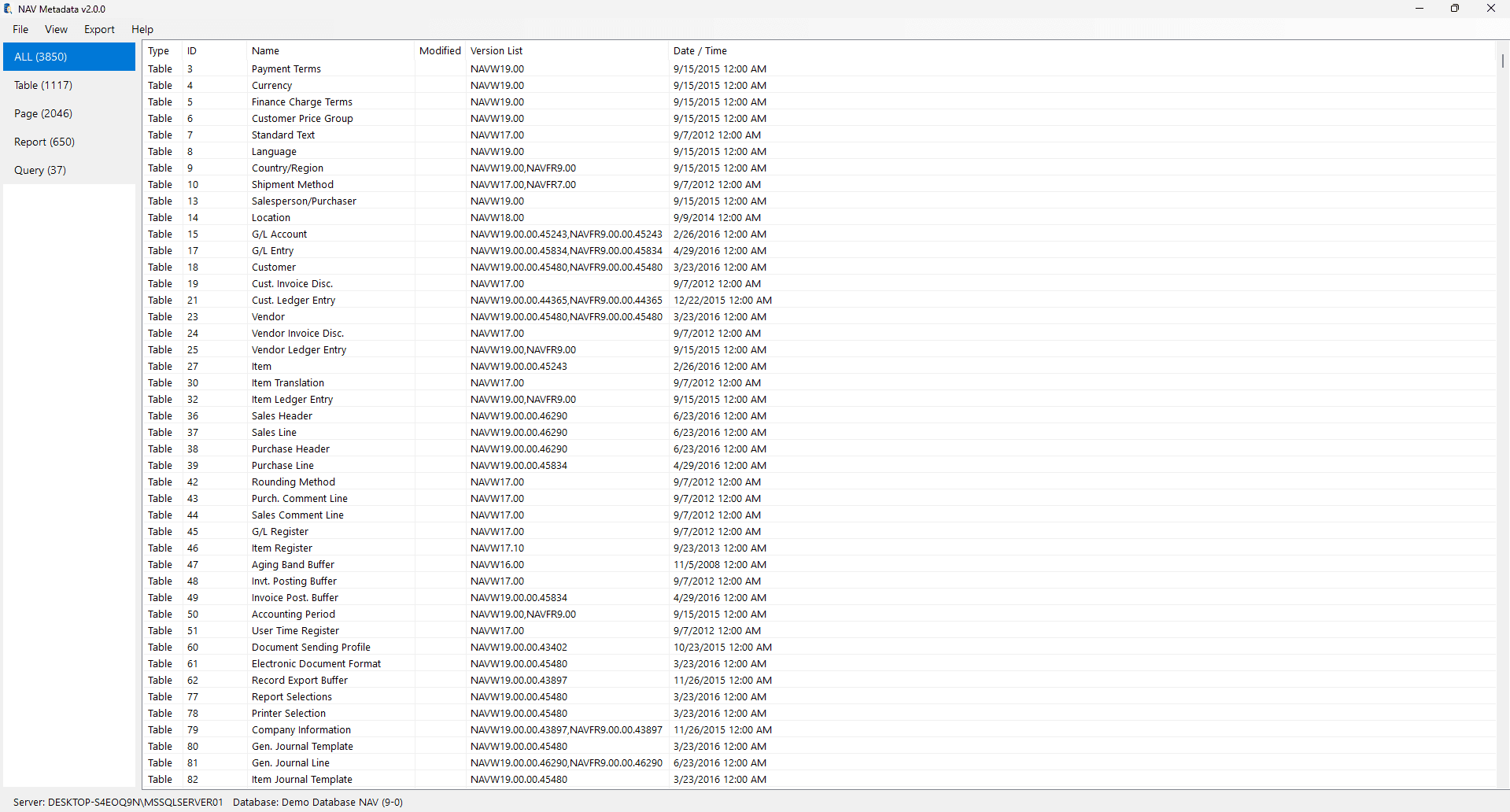
ALL Objects view — filter by ID or name, and scan Type, Version List, and Date/Time columns at a glance.
This is especially useful when you are mapping customizations, comparing version lists, or locating a specific object before export.
Inspect decompressed metadata XML
Double-click an object (or open it from the list) to open the metadata viewer. The Metadata (XML) tab shows the decompressed Object Metadata with syntax highlighting — fields, keys, field groups, and the rest of the structure that usually stays buried in SQL BLOBs.
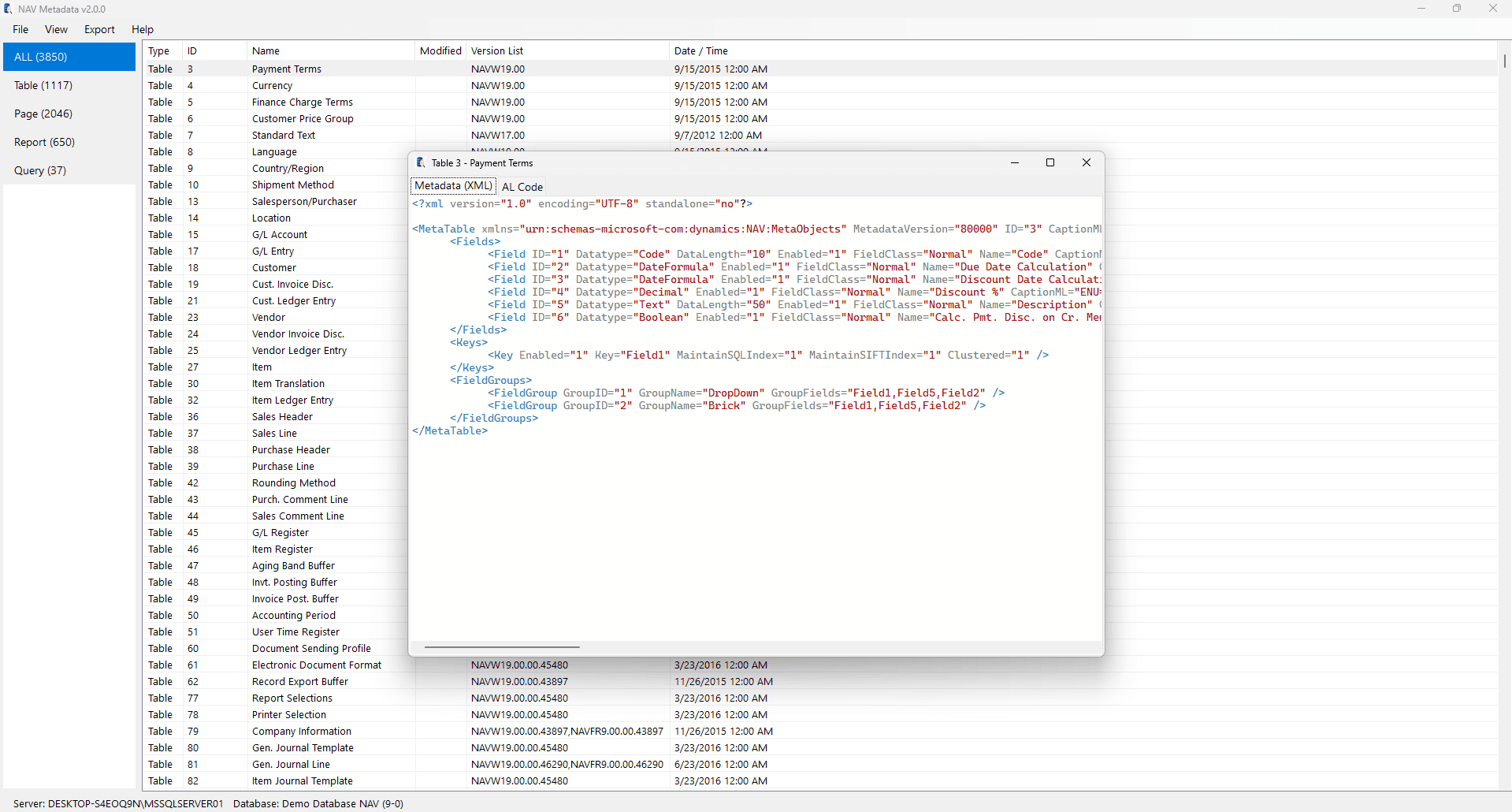
Table 3 Payment Terms — fields, keys, and field groups as readable XML, without the classic Development Environment.
Use this when you need to understand how an object is actually stored, debug unexpected behavior, or document what a customization changed.
Convert metadata into AL
The headline feature in v2.0 is the Metadata → AL Conversion Engine.
Switch to the AL Code tab and NAV Metadata reconstructs readable Business Central AL from the same SQL metadata — captions, fields, properties, and structure you can read like source.
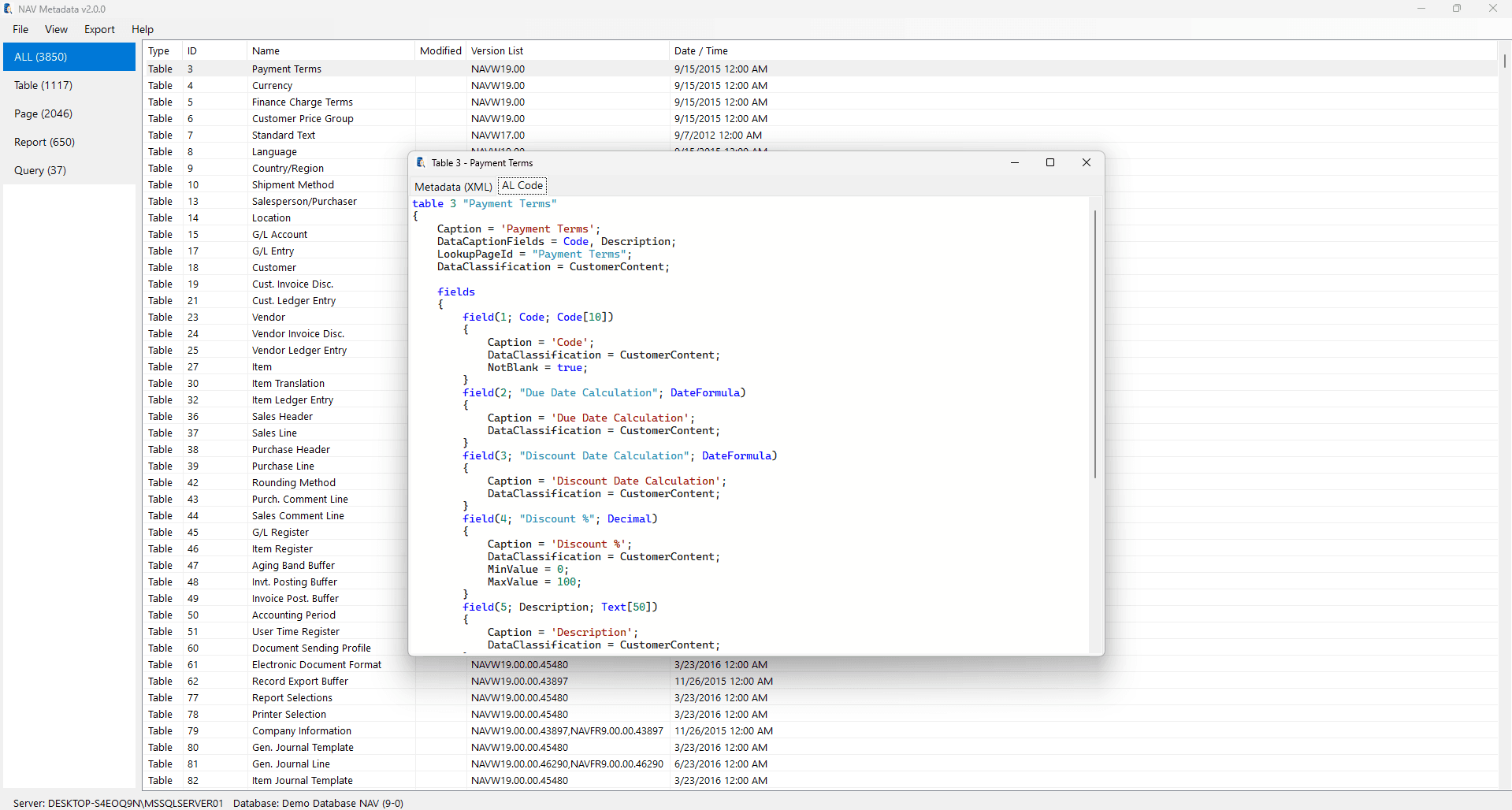
Same Payment Terms table as AL — a practical preview for migration analysis, documentation, or understanding legacy objects.
The first supported object types are:
- Tables
- Pages
- Reports
- Queries
This is not a replacement for Microsoft’s official conversion tooling. It is another way to understand and work with existing NAV solutions — especially when you want AL-shaped output without leaving the metadata browser.
Multi-select and export
Need more than one object? Select several rows, open Export, and choose AL… or XML… in a single operation.
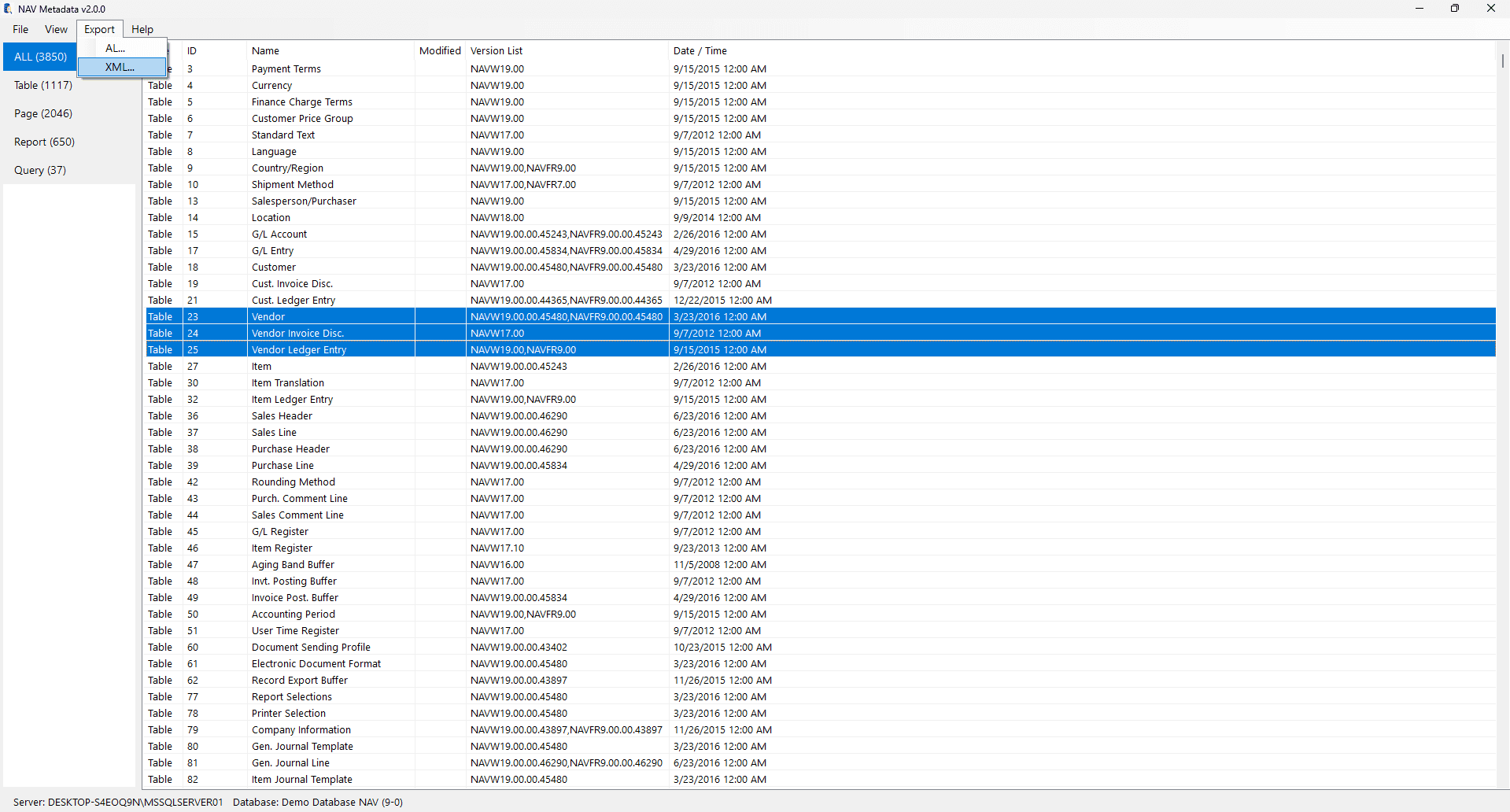
Multi-object export — select a set (for example related Vendor tables) and export as AL or XML for backups, docs, or your own tooling.
That workflow fits documentation packs, change analysis, and building your own scripts around exported files.
Why this matters
By turning SQL-stored metadata into something you can browse, inspect, and convert, developers can:
- Better understand legacy NAV databases
- Analyze customer customizations
- Assist migration and modernization projects
- Study object structures without opening the NAV Development Environment
- Export generated AL or XML for documentation and further analysis
Built for growth
The converter is a reusable engine, not a pile of one-off mappings. That makes it easier to add object types and capabilities over time.
Planned directions include:
- Database comparison
- Metadata relationship analysis
- Documentation generation
- Additional export formats
- Broader object type support
Open source and free
NAV Metadata remains free. The Community Edition is open source, and the Microsoft Store build makes installation straightforward for Windows users.
My goal is a toolkit that helps the Dynamics NAV community understand, analyze, and preserve existing applications. Ideas, feature requests, and feedback are welcome.
Download NAV Metadata v2.0
- Website: navmetadata.com
- Microsoft Store: NAV Metadata
I hope this release saves you time on your next Dynamics NAV project.
Discussion
Sign in to join the discussion.